

Overview
Connect Square POS to Vero and your catalog and line-item sales come in as the terminal closes each sale. That data powers Pricing Intelligence, Customer Insights and the storefront on your AI Builder site. Setup takes less than 30 seconds.Digital receipts come included. Once Square is connected, Vero also sends an encrypted, itemized copy of each receipt to your customers’ banking apps. Customers recognize the charge, which means fewer chargebacks and friendly fraud disputes. Learn more.
To see a list of official Square merchants, see this resource: https://giveandgetlocal.com
Quick Start
1
Authorize Integration

Install the Vero Plugin
This link will direct you to the official Vero / Square plugin.
2
Confirm Permissions
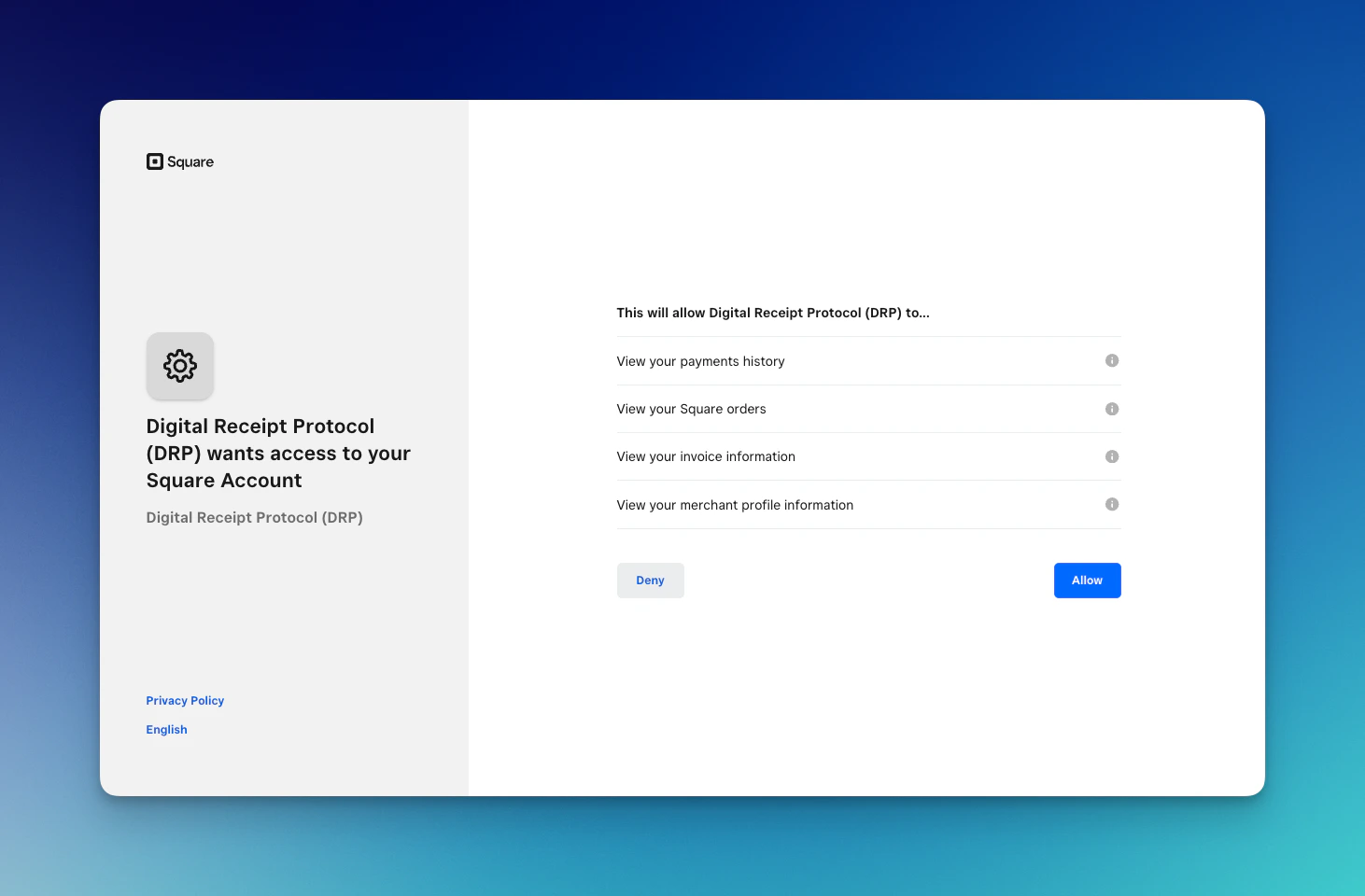
Ensure you are logged in, review the requested Square permissions, and authorize access.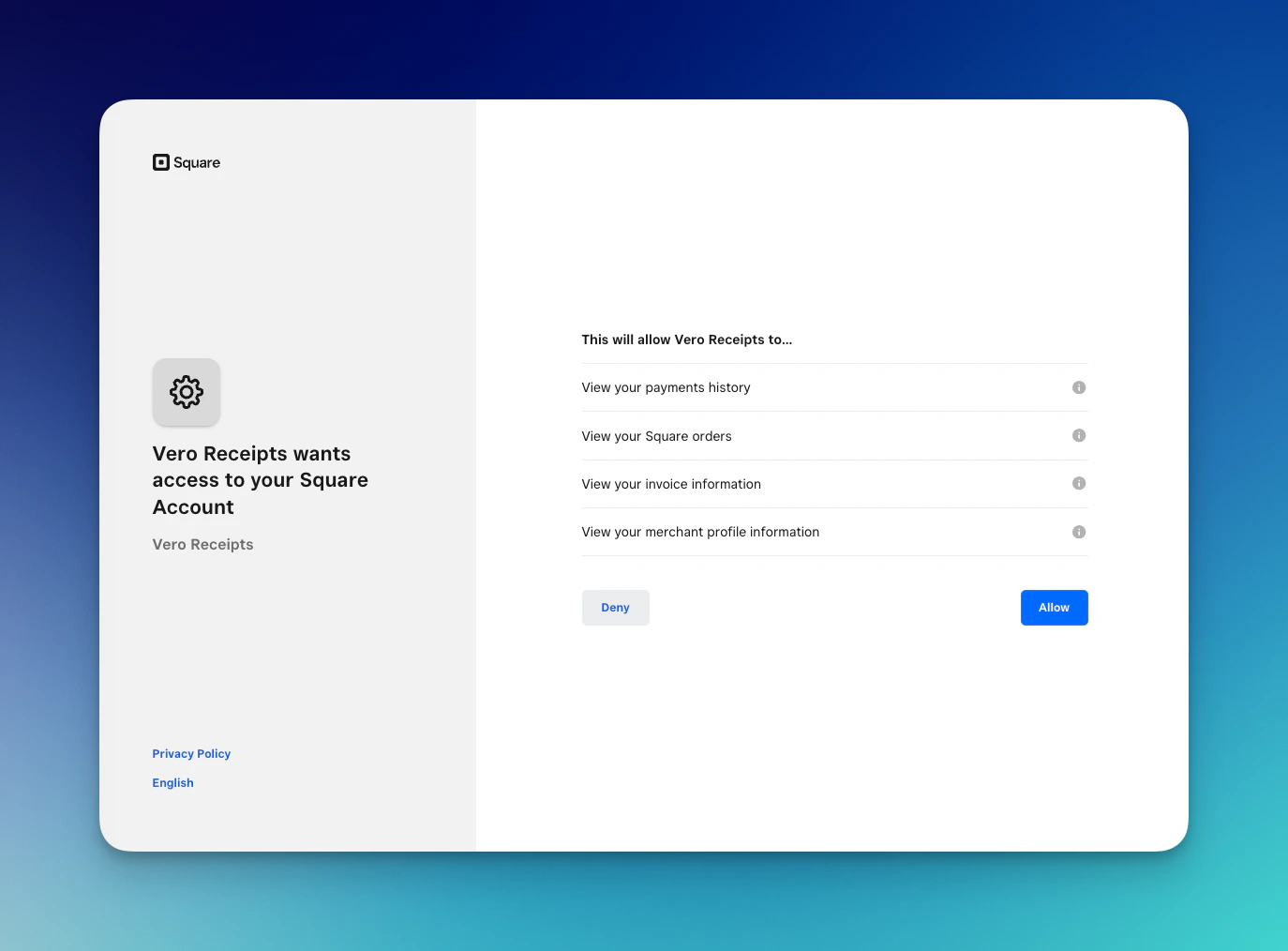
3
Start Sending Receipts
That’s it. Your sales start syncing to Vero, and encrypted receipts go out to customers whose banks support digital receipts.
Required Permissions
Vero requests the following Square permissions:- View your payments history - Transaction amounts and timestamps
- View your Square orders - Itemized receipt data
- View your invoice information - Detailed line items
- View your merchant profile information - Business name for receipts
Data Structure
When a transaction occurs, Vero receives the following data from Square:Privacy & Security
Your transaction data is never exposed. All receipt data is encrypted using RSA-2048 encryption before leaving your Square account. Only your customers hold the private keys to decrypt their own receipts.- Vero cannot read your transaction data
- Banks cannot read your transaction data
- Only the customer who made the purchase can decrypt their receipt
FAQ
Does this cost anything?
Does this cost anything?
No. Connecting your POS is free on the Starter plan, with no hardware and no contract. Starter includes Pricing Intelligence and digital receipts. AI Builder and Customer Insights come with the Custom plan. See pricing.
Do digital receipts replace email/SMS receipts?
Do digital receipts replace email/SMS receipts?
No. Vero receipts are in addition to your existing receipt methods. Customers still get email/SMS if configured. Vero sends an encrypted copy to their bank.
Do customers need to do anything to get digital receipts?
Do customers need to do anything to get digital receipts?
Customers must have:
- A card from a Vero-enabled issuer
- Digital receipts enabled in their banking app
Will my customers know receipts are coming from my business?
Will my customers know receipts are coming from my business?
Yes. Your business name from your Square merchant profile appears on all digital receipts.
Can I see what customers see?
Can I see what customers see?
No - receipts are encrypted with each customer’s private key. Only they can decrypt and view the receipt in their banking app. You can see delivery confirmation but not the decrypted content.
Does this work for online Square orders?
Does this work for online Square orders?
Yes! The integration works for:
- In-person Square POS/Register/Terminal
- Square Online Store checkout
- Square Invoices
- Square Virtual Terminal
What about refunds and voids?
What about refunds and voids?
Refunds automatically trigger an updated receipt showing:
- Original items
- Refund amount
- Refund date/time
- Updated balance
Can I disconnect at any time?
Can I disconnect at any time?
Yes. You can revoke Vero’s access through your Square account settings at any time. Go to Account & Settings > Business > Integrations in your Square dashboard.
How quickly do customers receive digital receipts?
How quickly do customers receive digital receipts?
Digital receipts typically appear in customers’ banking apps within 1-2 seconds of transaction completion.